tweetindex
TH

Google Flow ✓

@FlowbyGoogle · joined 06 Aug 2025

Hi👋 We're Google Flow, your AI creative studio. Follow along for product news and creative tips to bring your cinematic stories to life.

71 742Followers
14Following
579Posts total
501.4KViews on collected posts

โพสต์ล่าสุด

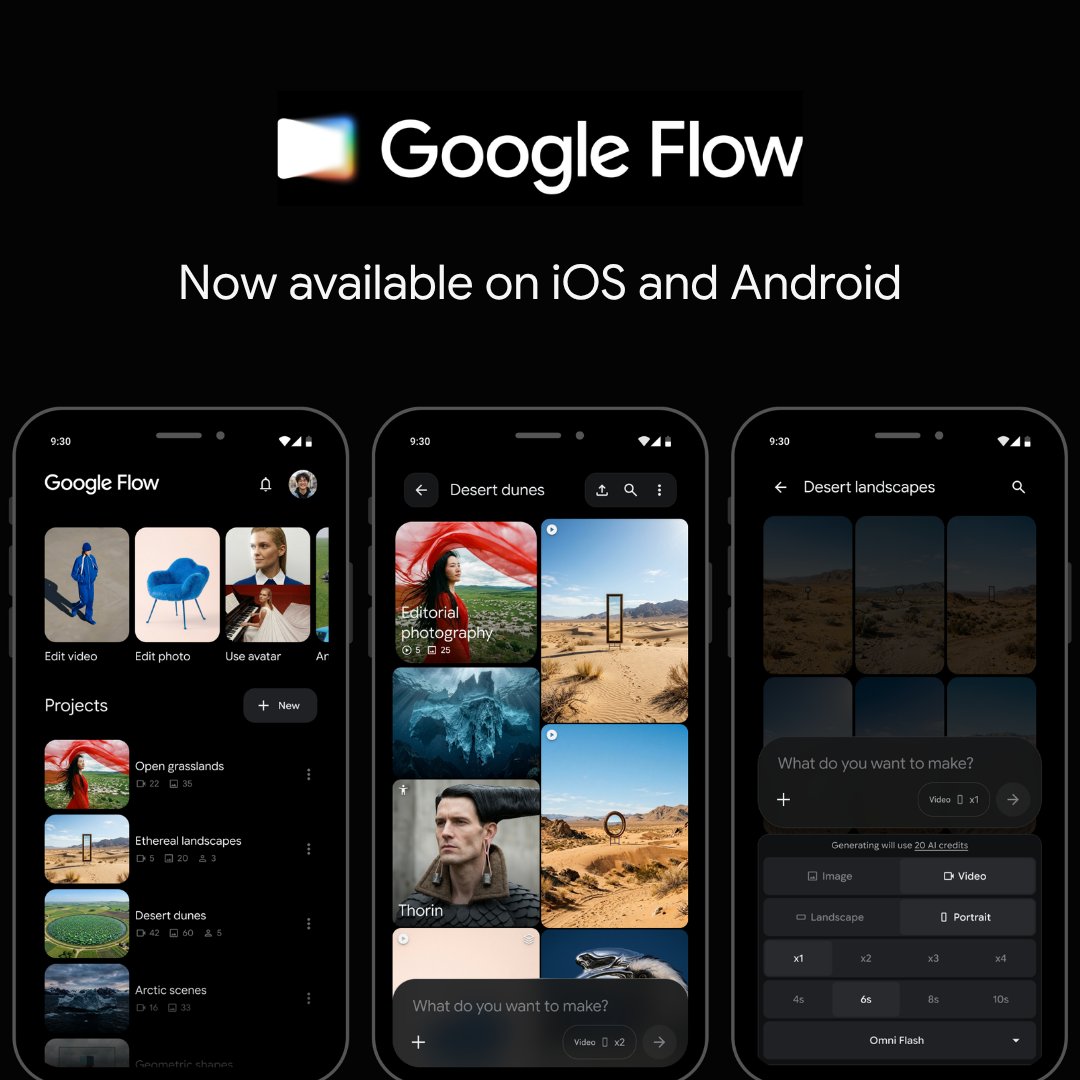
You’ve been asking, we’ve been building! Google Flow is now available on iOS. It’s now easier than ever to pull inspiration from your camera roll or photos and videos captured in the moment. And with cross-device project syncing, you take your creative work wherever you go. http
44.9K views · 912 likes · 88 reposts · 43 replies Open on X →
Google Flow. Here’s the workflow: Image: Start with a "first-person perspective POV" prompt. Add specific visual style keywords like "early 2000s point and shoot" for a candid, textured look. Video: Set your image as the first frame using frames to video to lock perspective. h
1:27
30.4K views · 336 likes · 36 reposts · 37 replies Open on X →
Sometimes all you need is a beat and an idea… In Google Flow, your video’s audio isn't just background noise, it can be used as part of your prompt. See what happens when we pair a simple glass tap with the prompt: “the flower pots dance to the beat” https://t.co/SGehnldBYa
0:08
8.9K views · 163 likes · 12 reposts · 16 replies Open on X →
Some fun use cases for Omni 1.1 ⬇️ 151.6K views · 1.1K likes · 37 reposts · 33 replies Open on X →
Big news for student creators 👀 With Google Flow, you can create things like event flyers, presentation graphics, cool headshots, or possibly even the next viral rush video. And now, students can unlock higher access with an exclusive offer. Terms apply. 🔗 https://t.co/j3KOoaKz 12.9K views · 240 likes · 20 reposts · 13 replies Open on X →
Do more than just generate an image in Google Flow. Edit, refine, adjust angles, add formatted text, and then bring it all to life with video. A quick breakdown of the workflow: - Nano Banana 2: Fast concept generation and style testing. - Nano Banana Pro: Precision scene edits, 5.7K views · 99 likes · 11 reposts · 13 replies Open on X →
With first and last frames now available in Omni 1.1 Flash on desktop, you can explore smooth transitional effects. For example, set your first and last frames to the same image to create a loop. Try it out and share what you create! 🔄 https://t.co/bJGhQsBiOo 21.3K views · 406 likes · 48 reposts · 34 replies Open on X →
@FlowbyGoogle This is a model I really love and enjoy creating videos with. Thank you so much, Google Flow. Your platform is amazing, and I’m looking forward to seeing even more creative possibilities from you. Hopefully, we’ll see videos longer than 30 seconds someday. We’re def 191 views · 5 likes · 0 reposts · 0 replies Open on X →
@FlowbyGoogle Nice! But the very poor upscaling mostly ruins the video. 798 views · 4 likes · 0 reposts · 0 replies Open on X →
@FlowbyGoogle I tried it in Google Flow. It's still the same crap for battles; I don't see any improvements at all. https://t.co/npKJ6BDe0n 829 views · 8 likes · 0 reposts · 0 replies Open on X →
Omni 1.1 Flash is now in Google Flow, giving you even more creative control over your vision. Here’s what’s new: Introducing end frames to Omni 1.1 Flash on desktop: Direct how your video begins, and now ends, helping keep your characters and narrative consistent as you https:/ 156.1K views · 2K likes · 214 reposts · 100 replies Open on X →
If you want your Google Flow creations to maintain the same look and feel, start by defining your visual style. Here’s a workflow to try: 1. DEFINE THE STYLE: First, establish the lighting, environment, mood, color palette, and texture. 2. BUILD THE IMAGE SYSTEM: Use that base 17.2K views · 275 likes · 33 reposts · 15 replies Open on X →
Our final story in The Small Brief. 🎬 Tiffany Rolfe, Chair and Global Chief Creative Officer of R/GA, collaborated with Shelter Island South Ferry, bringing 200 years of the Clark family's archival photos to life using Google Flow. Thanks Tiffany for the partnership. Tiffany’s 8.3K views · 78 likes · 6 reposts · 16 replies Open on X →
@FlowbyGoogle I don’t like the agent at all. It constantly introduces a visible watermark, and it’s also quite slow and not particularly smart. I get much better results without it around 95% of the time, which is a not quite spectacular success rate. Flow is great, VEO is great, 306 views · 3 likes · 0 reposts · 1 replies Open on X →
@FlowbyGoogle The future of filmmaking is AI-assisted, not AI-replaced. 188 views · 3 likes · 0 reposts · 0 replies Open on X →
@FlowbyGoogle agent is slower and sometimes dont work when using mobile its very good but seems u have to use pc to enjoy the most of it 294 views · 2 likes · 0 reposts · 0 replies Open on X →
https://t.co/Kdm6gbrHp2 41.5K views · 269 likes · 27 reposts · 30 replies Open on X →

เทียบกับบัญชีขนาดเดียวกัน

12 โพสต์จาก 90 วันที่ผ่านมา เทียบกับช่วง 10K–100K ผู้ติดตาม แสดงไปไกลเกินผู้ติดตามของตัวเอง และผู้ชมก็ตอบสนอง.

ยอดดูมัธยฐาน15 048บัญชีนี้924ค่ามัธยฐานของ 10K–100K
การเข้าถึง, %20.97%บัญชีนี้3.62%ค่ามัธยฐานของ 10K–100K
การมีส่วนร่วม, %2.01%บัญชีนี้1.52%ค่ามัธยฐานของ 10K–100K
ตัวชี้วัดบัญชีนี้ค่ามัธยฐานของ 10K–100Kอัตราส่วน
ยอดดูมัธยฐานต่อโพสต์15 04892416.3×
การเข้าถึง (ยอดดู ÷ ผู้ติดตาม)20.97%3.62%5.79×
อัตราการมีส่วนร่วม2.01%1.52%1.32×

บัญชีอื่นในช่วงนี้ →   เปรียบเทียบกับบัญชีอื่น →   ค่าอ้างอิงเหล่านี้คำนวณอย่างไร →

Growth & engagement

How the posts we collected actually performed: views and reaction rate post by post, what the audience did with them, and where the follower count goes.

Views per post

30630 Jul
8.3K21 Aug
17.2K26 Aug
156.1K27 Aug
829
798
19129 Aug
21.3K31 Aug
5.7K3 Sep
12.9K
151.6K4 Sep
8.9K8 Sep
30.4K9 Sep
44.9K10 Sep

Last 14 collected posts, oldest on the left. The scale is logarithmic: one post can outrun the rest a hundred times over.

Engagement rate per post

1.31%30 Jul
1.22%21 Aug
1.89%26 Aug
1.53%27 Aug
0.97%
0.50%
2.62%29 Aug
2.32%31 Aug
2.16%3 Sep
2.13%
0.77%4 Sep
2.15%8 Sep
1.35%9 Sep
2.32%10 Sep

Reactions — likes, reposts, replies and quotes — divided by views. Median for 10K–100K accounts is 1.52%.

What the audience does

Likes59.9%5 926 in total
Reposts5.4%532 in total
Replies3.5%351 in total
Quotes0.7%66 in total
Bookmarks30.5%3 019 in total

Share of every reaction we collected for this account. Replies mean argument, reposts mean endorsement, bookmarks mean the post was worth keeping.

The follower curve appears once this account has two daily snapshots — we take one a day, and this one is on its first.

บัญชีที่คล้ายกัน

Frequently asked questions about @FlowbyGoogle

How many followers does @FlowbyGoogle have?

71 742 followers.

How many posts has @FlowbyGoogle published?

579 posts.

How do posts by @FlowbyGoogle perform?

Collected posts: 17. Views: 501 431. Likes: 5 926.